





.jpg)
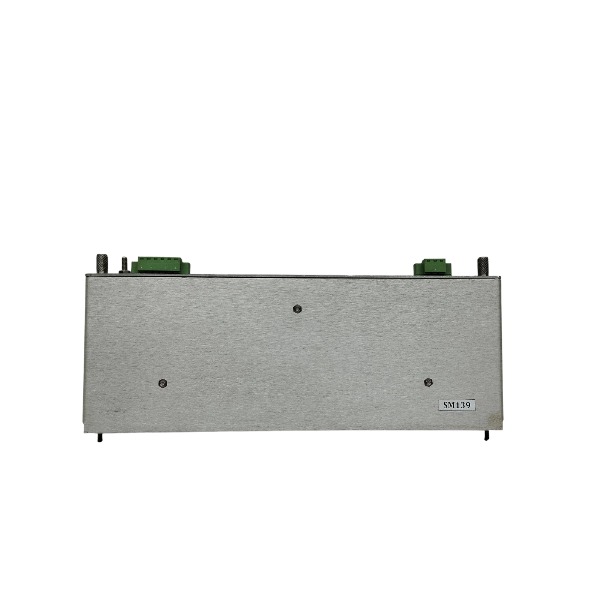







Description
-
BrandBently Nevada
-
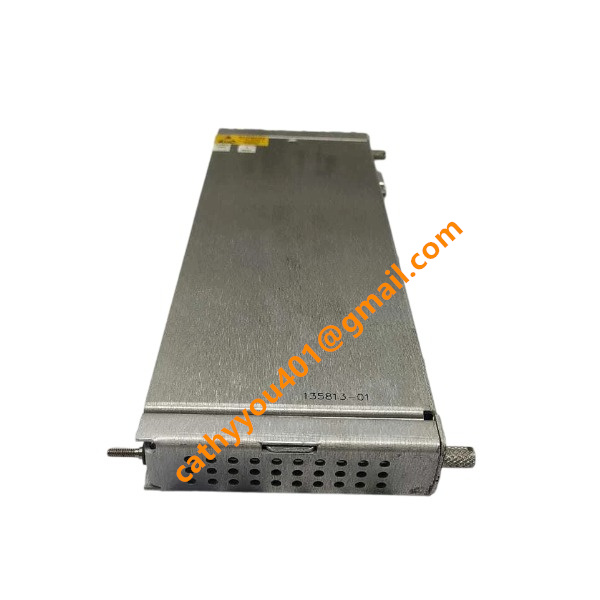
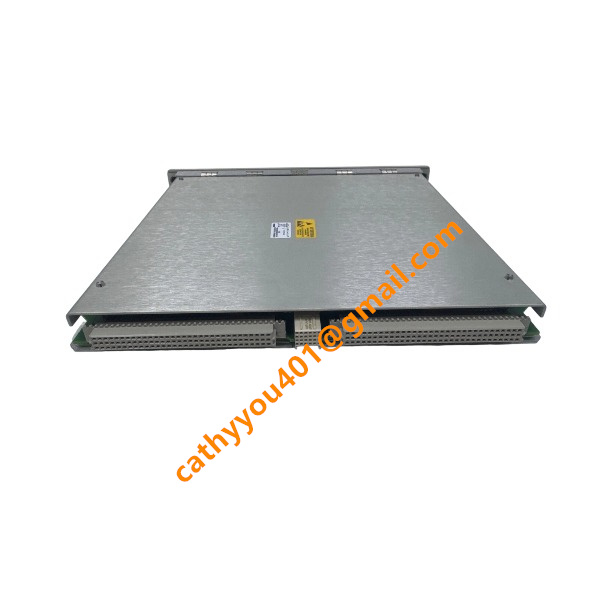
Model3500/22M 146031-01
-
Product NameTransient Data Interface (TDI) Module
-
Place of OriginUSA
-
Customs HS Code85423190
-
Power Supply0.43 A
-
Dimensions241.3 mm × 24.4 mm × 241.8 mm
-
Weight0.91 kg
-
Operating Temperature-20°C to +70°C
-
Storage Temperature-40°C to +85°C
-
Warranty1 year
-
Product Statusnew and original
Operating Procedures for Bently Nevada 3500/22M (146031-01)
Switch off the power of the 3500 rack prior to installation. Insert the 3500/22M TDI module into its assigned slot and fasten the module latch securely.
Verify stable contact with the backplane and examine all connectors for physical damage or dirt contamination.
Run the 3500 Configuration Software on a PC and establish a local connection to the module through its front-panel USB port.
Modify the rack hardware layout, specify slot distribution, and configure the static IP address and relevant network parameters for the 3500/22M.
Set up channel parameters, alarm thresholds and waveform capture functions for all paired monitor modules.
Carry out validation of the entire project configuration to detect errors, then download the confirmed configuration to the rack.
Energize the rack and wait for module initialization. Confirm the OK LED maintains a steady illuminated state.
Link the rear Ethernet port of the 3500/22M to the local network or the workstation with System 1 software installed.
Build communication between System 1 and the TDI module to view real-time measurement readings and machinery health status.
Customize display templates, trend charts and alarm alerts within System 1 to match on-site monitoring demands.
Conduct online diagnostics to check module operating status, event records and fault codes.
Initiate manual waveform capture when machinery anomalies arise to support subsequent fault analysis.
Perform a soft reset or power cycle to resolve intermittent communication and initialization faults.
Create regular backups of configuration files and event logs for maintenance and system recovery.
Cut off rack power before removing or replacing the module to prevent hardware impairment.

Alarm Configuration Steps for Bently Nevada 3500/22M (146031-01)
Start the 3500 Configuration Software and create a local connection to the rack through the front USB port of the 3500/22M module.
Open the designated rack project and confirm all monitor modules and measurement channels are included within the hardware layout.
Choose the target measurement channels covering vibration, displacement, rotational speed and other machinery protection parameters.
Define alarm types for each channel, including Alert and Danger levels in accordance with machinery protection specifications.
Configure alarm threshold values, alarm delay timers and hysteresis values to reduce false alarms induced by signal fluctuations.
Choose alarm output methods and allocate relay channels if relay modules are installed inside the 3500 rack.
Activate alarm logging and transient waveform capture to automatically record waveform data whenever alarms are triggered.
Assign unique alarm tag names and descriptions for easy recognition within the System 1 monitoring platform.
Execute configuration validation to detect parameter conflicts and logical mistakes across all alarm settings.
Download the validated configuration to the 3500 rack and wait for the 3500/22M to finish configuration synchronization.
Log into System 1 and refresh channel data to confirm alarm parameters have been synchronized correctly.
Carry out alarm simulation tests using a signal generator to verify on-screen alarm prompts and relay responses.
Modify threshold or delay settings if false alarms or missed alarms appear during simulation.
Save the finalized project file and back up the configuration for later commissioning and maintenance work.

3500/22-01-01-01
3500/22 288055-01
1900/65A
24765-02-01
3500/91-01-01-01
3500/44-02-01
TK-3E
177313-02-01
1900/65A-01-01-04-CN-00
2300/20-CN


.jpg)

.jpg)







