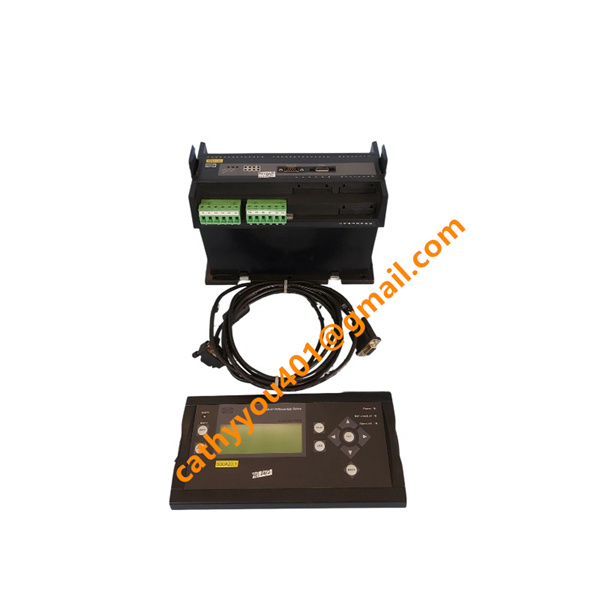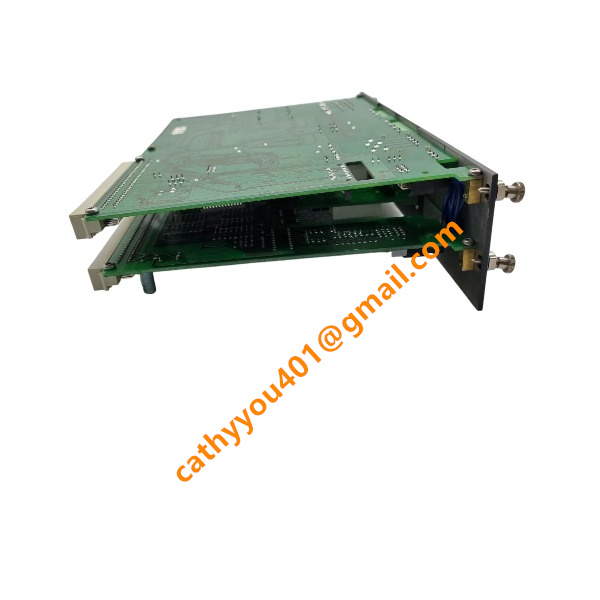
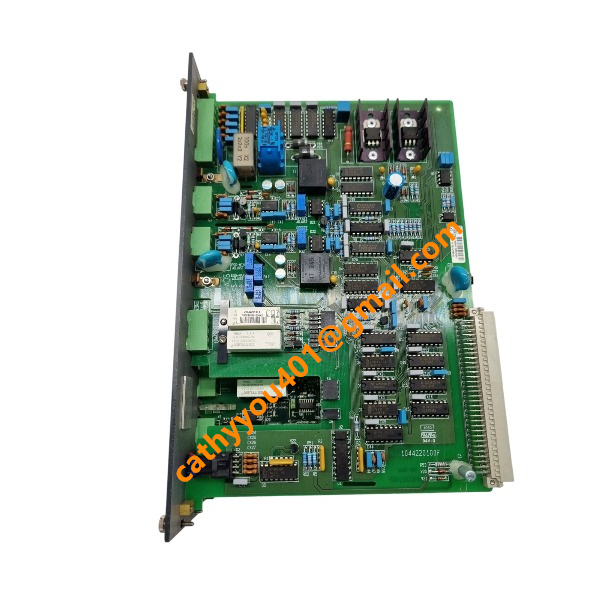







Description
-
BrandDEIF
-
ModelSCM-2
-
Product NameSynchronising and Control Module for Delomatic‑3 Generator Control System
-
Dimensions125 mm × 75 mm × 30 mm
-
Weight0.50 kg
-
Place of OriginDenmark
-
HS Code8537101190
-
Operating Temperature‑25 ℃ ~ +70 ℃
-
Storage Temperature40 ℃ ~ +85 ℃
-
Manufacturing part number1044220110E
-
Warranty12 month
-
Statusnew brand
Fault-Diagnosis Procedures for DEIF SCM-2 (1044220110E) Synchronous Measurement & Control Module
Preliminary Safety Inspection
Completely power off the DGU rack prior to disassembling modules or inspecting field wiring. Wear an anti-static wrist strap to prevent electrostatic damage. Perform visual inspection of the SCM-2 module for burnt traces, component damage and loose terminal connections, and check for deformed backplane connectors. Confirm the installed module model is exactly SCM-2 1044220110E and complies with project configuration requirements.
LED Status Fault Diagnosis
Power LED Off: Inspect the backplane power supply voltage of the DGU rack. Ensure the module is fully and securely inserted into the slot. Check the status of rack fuses. Replace faulty backplane power units if abnormal input voltage is detected.
Solid/Flashing Red Power LED: Indicates module self-test failure. Perform a full rack power cycle. Verify firmware compatibility between the SCM-2 module and CM-2 main controller. Replace the module if the fault persists, which signifies internal hardware damage.
No Sync LED Indication: Synchronization conditions fail to meet operational standards. Inspect PT secondary wiring, phase sequence consistency, voltage amplitude and frequency deviation between generators and busbars. Calibrate synchronization threshold parameters as required.
Illuminated Alarm LED: Retrieve detailed alarm records, fault codes and timestamps via the Delomatic DGU display system, and record trigger conditions for subsequent troubleshooting and analysis.
Backplane and ARC-net Communication Troubleshooting
Fault Phenomenon: The CM-2 main controller fails to identify the SCM-2 module, resulting in complete system bus data interruption.
Fully confirm the module is firmly locked in the rack slot. Inspect ARC-net coaxial cables, T-connectors and terminal resistors, and verify effective cable continuity and impedance. Ensure terminal resistors are installed at both ends of the ARC-net bus segment. Check for loose, bent or damaged backplane pins. Execute a full DGU system power reset and match firmware versions between SCM-2 and CM-2, as firmware mismatch is a primary cause of unstable communication.
Analog Measurement Circuit Troubleshooting
Fault Phenomenon: Abnormal voltage, current, power and frequency readings, including zero output and out-of-range values.
De-energize all PT and CT secondary circuits. Inspect terminals for loose connections, short circuits and open circuits. Verify correct PT phase sequence and CT polarity connection. Input standard calibrated test signals to analog terminals and compare test results with standard values. Significant measurement deviation under standard signals indicates defective internal measurement circuitry of the SCM-2 module.
Safety Warning: Never disconnect or open CT secondary loops during live operation to avoid high-voltage hazards.
Synchronization and Circuit Breaker Control Loop Troubleshooting
Fault Phenomenon: No closing permission output, missing synchronization ready signal and failed circuit breaker control.
Check and calibrate threshold parameters for voltage deviation, frequency deviation and phase angle in SCM-2 configuration. Inspect hardwiring for synchronization ready relay outputs and breaker control loops, and confirm normal status of external protection interlock contacts. Simulate synchronization conditions through parameter forcing and check the internal synchronization status flag in the DGU system to distinguish between parameter configuration errors and hardware output failures.
Protection Function Fault Troubleshooting
Applicable for over-voltage, under-voltage, over-frequency, reverse power and over-current alarms.
Distinguish between actual on-site power system faults and false measurement alarms by comparing system measured data with field instrument readings. Verify CT/PT wiring, polarity and transformation ratio parameters. Optimize protection threshold and delay settings to eliminate false tripping caused by improper configuration. Resolve on-site power abnormalities first before clearing alarm records.
Parameter and Firmware Troubleshooting
Abnormal Operation After Power Loss: Inspect the backup battery of the CM-2 main controller. Recover lost system parameters via backup files, as missing parameters will cause irregular module operation.
Unstable Operation and Intermittent Communication Loss: Back up all existing parameters completely, then upgrade the module firmware to the official matched version. Incompatible firmware versions will trigger functional disorder and communication failures.
Intermittent Fault Resolution
Maintain cabinet operating temperature within the standard range of 0℃ to 55℃, as overheating leads to unstable module operation. Inspect grounding and shielding of PT/CT and ARC-net cables to eliminate electromagnetic interference. Re-seat the module and all wiring terminals to resolve poor contact caused by mechanical vibration.
Fault Isolation and Module Replacement Test
Replace the faulty SCM-2 module with a fully compatible spare unit with identical model number and firmware version in the original slot. If the fault recurs with the new module, the root cause lies in external wiring, backplane failure or system configuration errors. If the fault disappears, the original SCM-2 module has sustained hardware damage and requires maintenance or replacement.
Final Verification and Documentation
Record all fault information including LED status, alarm codes, firmware versions, wiring inspection results and test data. Export and save DGU system fault logs. Submit official RMA application to DEIF technical support if permanent module hardware failure is confirmed.

Troubleshooting Solutions for DEIF SCM-2 (1044220110E) Synchronous Measurement & Control Module
Safety Precaution
Disconnect the entire rack power and isolate PT/CT secondary circuits before conducting any inspection or maintenance work. Wear an anti-static wrist strap for electrostatic protection. Strictly avoid opening energized CT secondary loops, as this operation will induce hazardous high voltage and cause safety risks.
Power Supply Fault Solutions
Symptom: Power LED is off
Check the rack fuse status and backplane input voltage. Reinstall the SCM-2 module firmly to ensure complete and reliable contact with the backplane connector. Replace the defective rack power supply unit if abnormal input voltage is detected.
Symptom: Solid or flashing red power LED
Execute a full rack power cycle to reset the system. Verify firmware version compatibility between the SCM-2 module and CM-2 main controller. If the fault persists after reset and version matching, the SCM-2 module has internal hardware failure and requires replacement.
ARC-net Communication Fault Solutions
Symptom: SCM-2 undetected by CM-2 main controller, no valid data communication
Inspect the ARC-net coaxial cables, T-connectors and bus terminators. Ensure bus terminators are correctly installed at both ends of the ARC-net bus segment. Verify cable continuity and standard shielding grounding. Reseat the module securely and reboot the DGU system. Upgrade and unify the firmware versions of SCM-2 and CM-2 to eliminate communication anomalies caused by version mismatch.
Measurement Abnormality Solutions (Incorrect/Zero Voltage, Current and Frequency Readings)
Cut off power to the PT/CT secondary circuits. Inspect all wiring terminals for loose connection, short circuits and open circuits, and confirm correct PT phase sequence and CT polarity wiring.
Input standard calibrated analog test signals to module analog inputs and compare the displayed values with standard reference data. If obvious measurement deviation still exists with standard input signals, the internal measurement circuit of the SCM-2 module is faulty.
Synchronization & Breaker Control Fault Solutions
Symptom: No sync-ready signal and breaker closing permission
Check and calibrate the threshold parameters of voltage deviation, frequency deviation and phase angle for synchronization.
Inspect the wiring of sync-ready relay output and breaker control loop, and confirm the normal state of external protection interlock contacts. Perform parameter forcing synchronization simulation test to accurately identify whether the fault is caused by incorrect parameter configuration or hardware output failure.
False Protection Alarm Solutions (Overvoltage, Undervoltage, Overfrequency, Reverse Power, Overcurrent)
Compare DGU system measured data with field instrument readings to distinguish actual power system faults from false measurement alarms.
Verify CT/PT transformation ratio, polarity and wiring correctness. Adjust protection threshold values and delay time parameters to resolve false tripping issues caused by improper configuration. Eliminate on-site electrical faults first before resetting system alarms.
Parameter & Firmware Abnormality Solutions
Parameter loss after power failure: Check the health status of the CM-2 main controller backup battery, and restore system configuration via complete parameter backup files.
Intermittent communication dropout and unstable operation: Back up all existing module parameters in advance, then upgrade the firmware to the official DEIF matched version. Mismatched firmware versions will lead to irregular module functions and system failures.
Intermittent Random Fault Solutions
Maintain the cabinet operating temperature within the standard range of 0~55℃ to avoid overheating-induced unstable operation. Optimize shielding and grounding of PT/CT and ARC-net cables to suppress electromagnetic interference.
Reinstall the module and all wiring terminals thoroughly to eliminate poor contact problems caused by long-term mechanical vibration.
Module Swap Test for Fault Isolation
Replace the faulty SCM-2 module with a qualified spare module of the same part number and consistent firmware version. If the fault transfers with the original module, the module hardware is damaged. If the fault disappears after replacement, the root cause resides in backplane failure, faulty field wiring or incorrect system configuration.
Post-troubleshooting Recording & Documentation
Record key information including LED status, alarm codes, firmware version, test data and wiring inspection results. Export and archive the complete DGU system fault log. Submit an official RMA application to DEIF technical support if permanent module hardware damage is confirmed.


.jpg)

.jpg)