806082A5E3D9476186A7DB8240CB5980.jpg)







Description
-
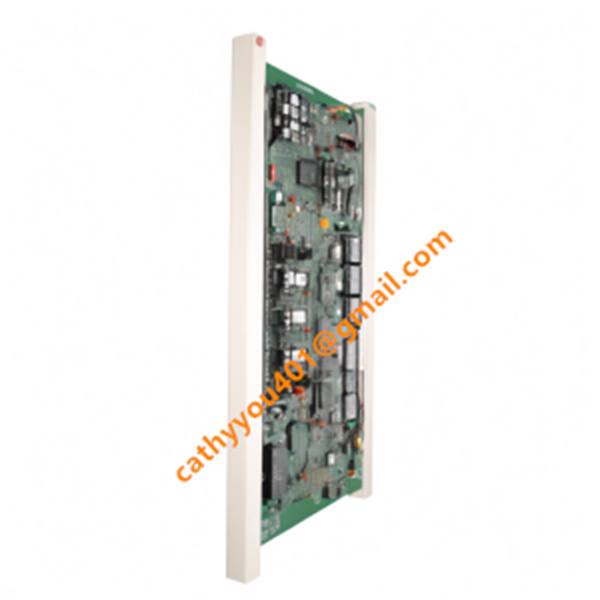
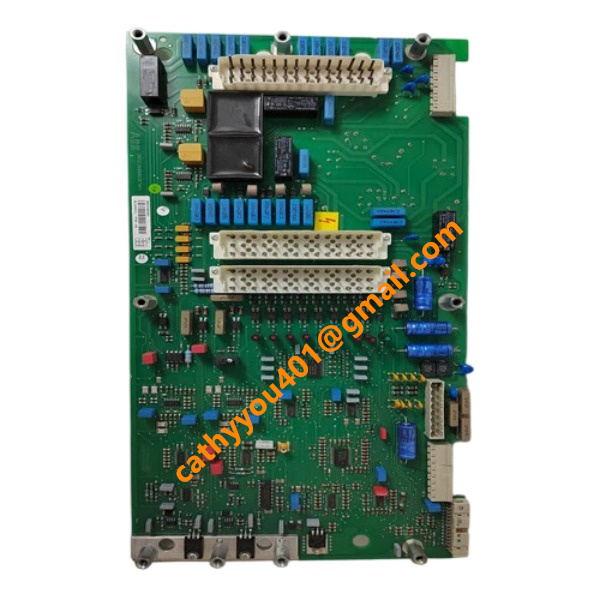
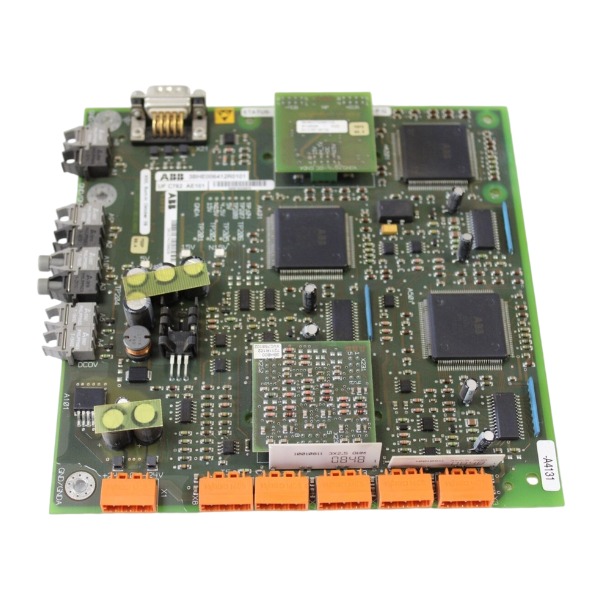
BrandABB
-
ModelUFC762AE101
-
Product NameInterface Board
-
Place of OriginSwitzerland
-
Customs HS Code8538900000
-
Part number3BHE006412R0101
-
Dimensions234 mm (height) × 129 mm (width) × 33 mm (depth)
-
Weight0.72 kg
-
Operating Temperature0°C to +60°C
-
Storage Temperature-40°C to +85°
-
Warranty12 month
-
Product Statusnew
ABB UFC762AE101, Part No. 3BHE006412R0101 Wiring Instruction
Power wiring
The auxiliary supply is 24 VDC and connects to the dedicated power terminals. Strictly follow polarity: the positive cable connects to the +24 V terminal and the negative cable to the 0 V terminal. Twisted copper conductors are required. Lay power cables separately from high-power cables. Use a short, low-resistance ground wire to link the module protective earth terminal to the cabinet central grounding bus for EMC protection.
Digital input wiring
Digital inputs support configurable 24 VDC sinking or sourcing modes. Field contact signals, interlock and trip signals are wired between DI terminals and 0 V or +24 V based on the selected logic. Dry contact sensors are recommended. Avoid long parallel routing alongside power cables.
Digital output wiring
Digital output terminals are divided into groups with shared common terminals. Each group uses the same control power supply. Install freewheeling diodes or RC snubber circuits across inductive loads to suppress surge voltage. Do not exceed the rated contact capacity.
Analog signal wiring
Analog inputs and outputs support 4–20 mA or 0–10 V signals. Shielded twisted-pair cables shall be adopted. Cable shielding shall be grounded at one cabinet end only. Route signal positive and signal negative to the corresponding +/- terminals of each channel. Separate analog cables from power and relay cables.
Communication wiring
Internal backplane bus: Directly insert the module into the AC800PEC rack backplane connector to realize high-speed control data interaction with the CPU.
External serial communication (RS485): Use shielded twisted-pair cables. Ensure correct wiring of differential lines A and B. Mount termination resistors at both physical ends of the bus.
Fiber optic link (if applicable): Connect optical ports to matching controller or drive interfaces; prevent sharp bending of fiber cables.
General wiring rules
All wires are terminated on the detachable front screw terminal block. Comply with terminal labels printed on the module housing. Signal cables and power cables must be routed in separate cable trays. Take ESD protection measures before wiring. Confirm there is no short circuit between terminals prior to power-up. Refer to the official ABB schematic for detailed terminal pin definitions.

ABB UFC762AE101, Part No. 3BHE006412R0101 Common Faults and Solutions
Fault 1: Abnormal module power supply, RUN LED extinguished
Solution: Measure the 24 VDC auxiliary power and check polarity; inspect loose terminals, short circuits and fuse condition. Reinstall the module onto the rack backplane and fasten connectors. Replace the module if power remains unavailable after the power source is confirmed normal.
Fault 2: Backplane bus communication failure, the module cannot be detected by the CPU
Solution: Power down the rack and re-plug the module; examine the backplane connector for bent pins, oxidation or dirt. Confirm the module model matches the hardware configuration in Control Builder M. Check for address conflicts among modules. Replace the module or backplane if the fault remains.
Fault 3: Intermittent or lost external RS485 communication
Solution: Verify the polarity of A/B signal wiring; ensure baud rate, parity and slave address match the host settings. Fit termination resistors at both ends of the bus. Separate signal cables from high-power cables to mitigate EMI. Measure the differential bus voltage with a multimeter to locate open or short circuits.
Fault 4: Abnormal analog channels, out-of-range or fluctuating signals
Solution: Confirm shielded twisted-pair wiring and single-point shielding grounding. Check field sensors for open circuits, short circuits and loose connections. Ensure channel mode (4–20 mA / 0–10 V) matches the transmitter. Carry out channel calibration; replace the module if internal circuit damage is confirmed.
Fault 5: Missing digital input signals or false triggering
Solution: Check the 24 VDC field power supply and input logic (sink/source). Inspect dry-contact sensors for contact bounce and leakage current. Add software filters when noise interference occurs. Eliminate ground potential differences between field devices and the control cabinet.
Fault 6: Digital output fails to operate or relay contacts malfunction
Solution: Confirm the shared power supply for output groups is stable. Check freewheeling diodes or RC snubber circuits for inductive loads. Use a multimeter to test contact status upon output activation. Replace the module if contacts are burnt or stuck. Do not exceed the rated contact capacity.
Fault 7: Failed configuration download or CRC check error
Solution: Verify project consistency and hardware version compatibility. Back up the program, clear module memory and re-download the configuration. Check firmware integrity; reflash official firmware if corruption is found.
Fault 8: Module overheating with fault LED alarm
Solution: Check cabinet ventilation and ambient temperature; clean dust on the module and air vents. Maintain adequate spacing between modules. Remove nearby heat sources. Replace the module if overheating alarms persist under normal cooling.
Fault 9: Unpredictable intermittent channel faults
Solution: Check loose terminal screws and degraded cables. Optimize EMC grounding and shielding. Capture fault logs via Control Builder M. Isolate field wiring to differentiate external interference from module hardware defects.
General troubleshooting rules
Retrieve fault codes and diagnostic logs using Control Builder M. Perform power cycling after lockout-tagout. Use a spare module for fault isolation. Record LED states, error codes and wiring inspection results for maintenance files.

GDB021BE
Unitrol 1020
698B275U01
SM810K01
BC810K02
PP886
PBA800
RED615


.jpg)

.jpg)